
How can you edit recordings from Technisat receivers?
Many Technisat receivers, such as the Technisat Digit ISIO S2, S3, or S4, can record TV programs. The easiest way to do this is via a USB-connected data storage device. To ensure that the recordings can also be accessed via the network, we recommend setting the file system to FAT32 and formatting the data storage device accordingly. NTFS-formatted data storage devices often cause problems when accessing via the network.
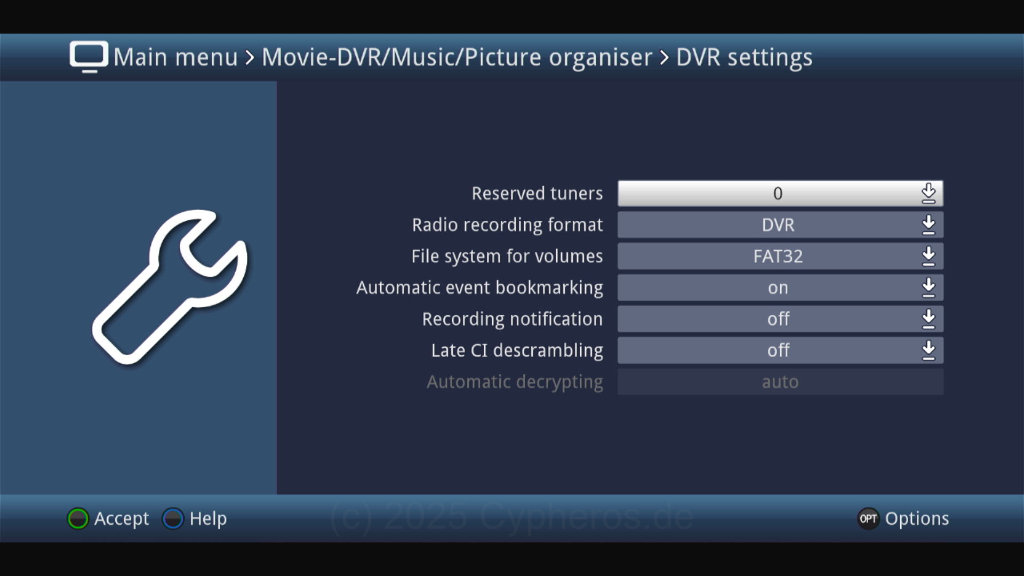
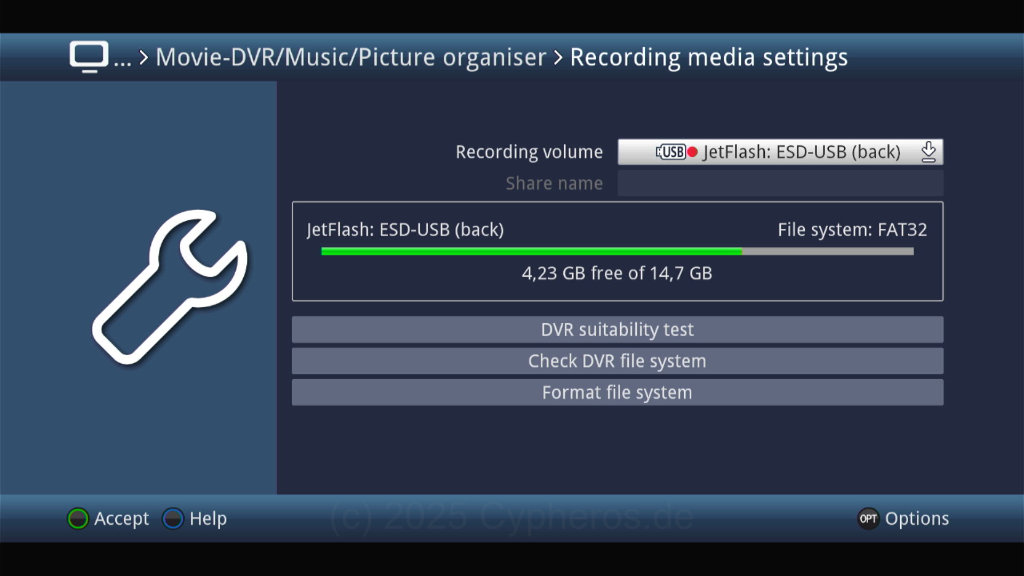
To format the data carrier, select it under Recording Media Settings and format it. For USB sticks, make sure that the write speed of the data carrier is high enough. To do this, click on “Check DVR compatibility.”
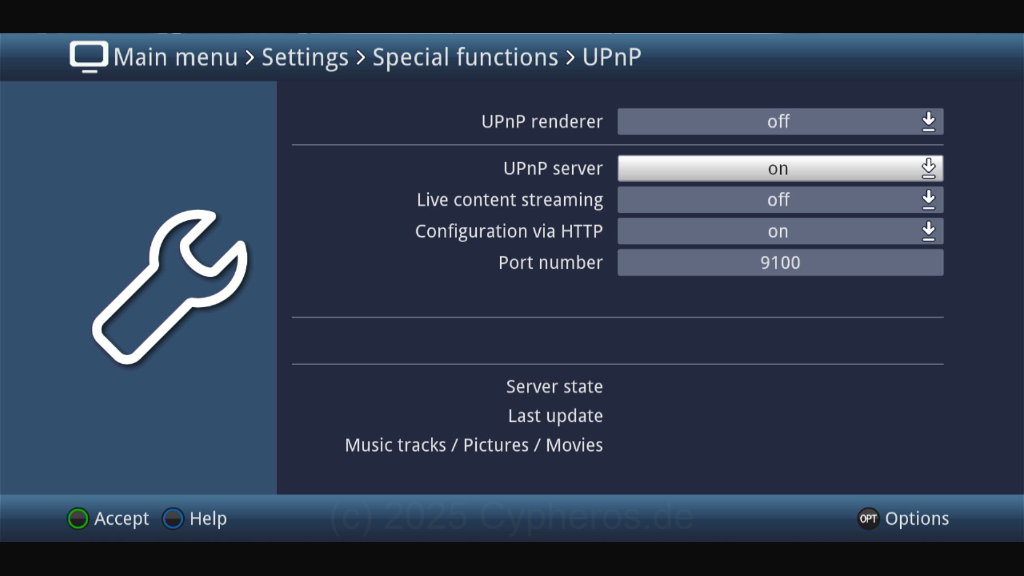
You can either connect the finished recordings to your PC using the USB data carrier and then edit them using TS-Doctor or another program. However, if you have connected the receiver via a network cable or Wi-Fi, you can activate the UPnP server on the receiver under Settings/Special Functions/UPnP to access the recordings via the network.
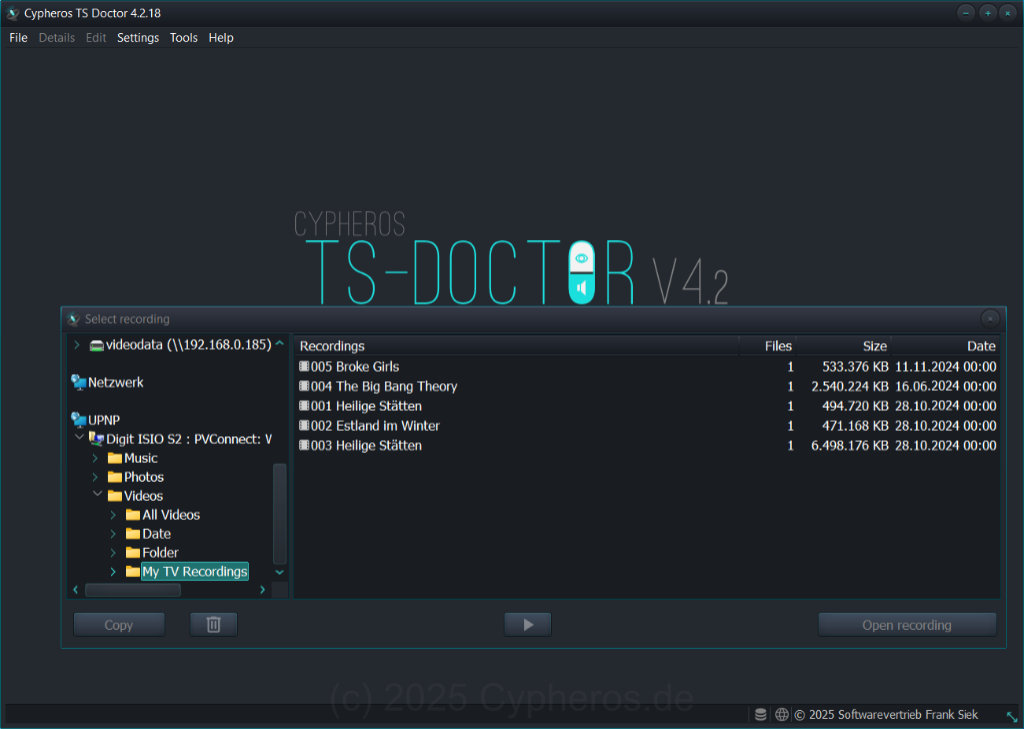
The recordings on the Technisat receiver can then be accessed via the UPNP folder in TS-Doctor. With TS-Doctor, you can now easily edit the recordings, automatically remove advertisements and unnecessary data streams, and save them in a way that minimizes storage space.
Cypheros TS-Doctor
Smarter video editor for tv recordings